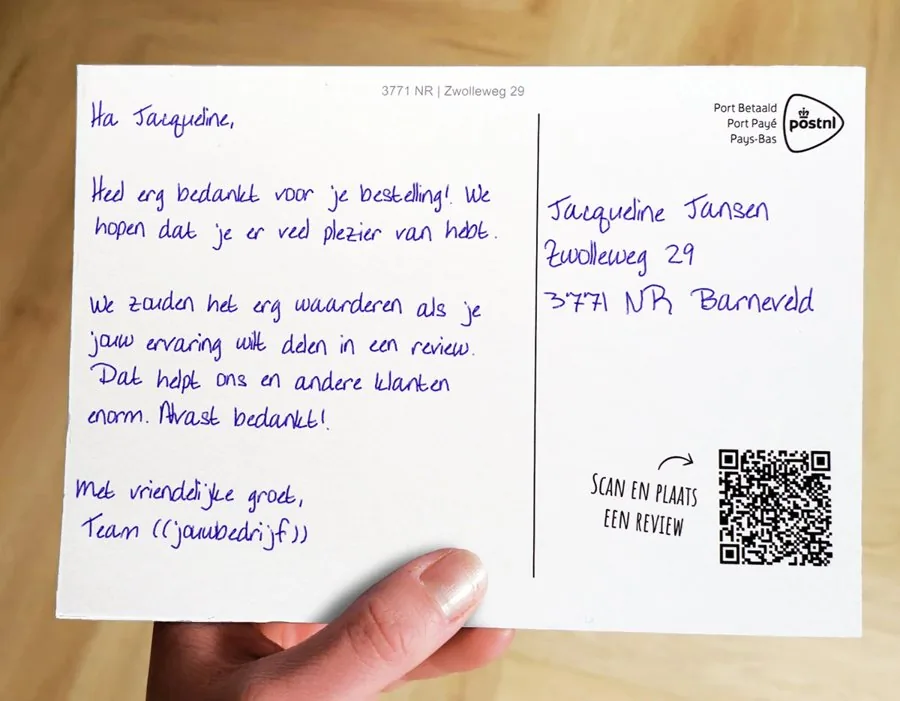
Stand out to prospects you can’t reach by email.
You already have your target audience and your message. Now send every prospect a card written with a real pen, with a text of its own. You can add a trackable QR code: every scan lands in your CRM as a follow-up action, so sales can follow up straight away or the next step is scheduled automatically.
- Real pen
- A unique text every time
- Measurable QR
- From 1 card
400+businesses send
with Lightr
4.7★★★★★
Google reviews







Which route suits you?
Do it yourselfYou already have a target audience and a message. Upload your list and send from just one card.You are hereSignal-based, fully managedWe find a timely signal for each company and build the card and page around it.Following up website visitorsA company visits your site. You send a card while their interest is still fresh.
Your prospect already gets more than enough email.
A cold email lands among dozens of others. A LinkedIn message gets swiped away. A card sits on the desk and grabs attention in a different way, especially when it’s about that company in particular.
Inbox 64 unread
Double your revenue in 30 daysGrowth agency08:14
Quick question about your websiteWeb design studio08:52
Re: Re: Got a minute?Software vendor09:30
Introducing our companyYour outbound email10:05
Free demo, this week onlySaaS platform10:41
3 new connection requestsLinkedIn11:20
Your email is in there too. Alongside everyone else trying the same thing.
A handwritten card gets a different kind of attention.
A card isn’t buried among twenty notifications. It lands on the doormat, gets picked up and often stays around for a while. And because Lightr really writes it on paper with a real pen, it doesn’t come across as yet another automated marketing message.
That gets you more than just a shot at a meeting: your prospect knows who you are before sales picks up the phone.
Reach new customers outside their inbox.
Your own prospect list
Upload your list and send every prospect a card with its own text and QR code.
Upload a list and sendA clearly defined target market
Small batches per niche, so every card speaks to what that group is dealing with.
Upload a list and sendFollowing up existing leads
Leads who didn’t reply to your email get a second chance by post.
Automatically via an integrationAfter a trade show or event
Contacts you’ve spoken to get a card that picks up on the conversation.
Upload a list and sendHere’s what your first campaign could look like.
From prospect list to a first conversation.
You upload a list of companies in your target market. Every prospect receives a handwritten card with its own text and a unique QR code.
- Trigger
- A list of prospects
- Timing
- A one-off campaign, then a second round
- Card
- Postcard A5, a different text per prospect
- QR destination
- A quick overview and your calendar
- Goal
- An introductory call
Real customer case: one niche per batch, with a message that fits perfectly
Hi {first_name}, I see {company} is growing fast. Could I show you how we help teams like yours?
Scan the QR code for a quick overview, or book a twenty-minute intro call straight away.
Best wishes, {sender}
Fictional example, not a customer case.
This is what an outbound campaign looks like.
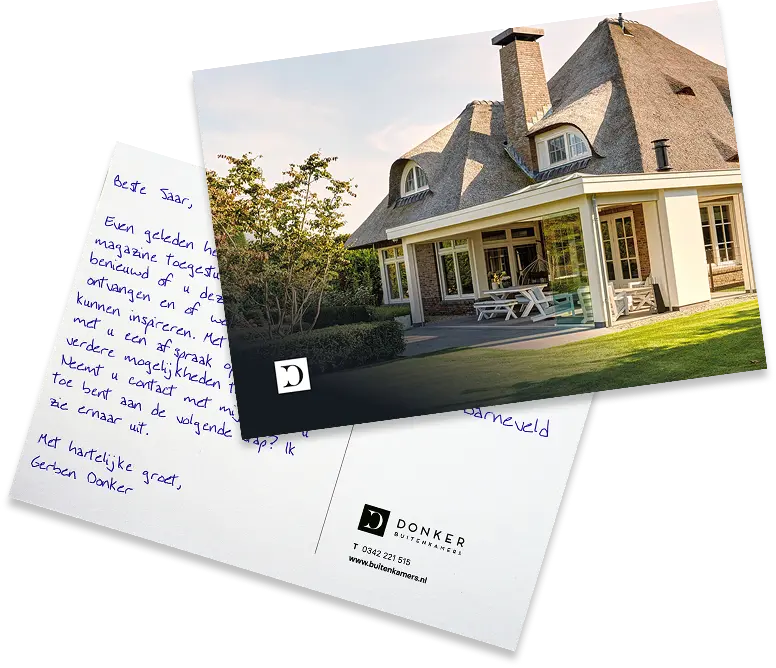
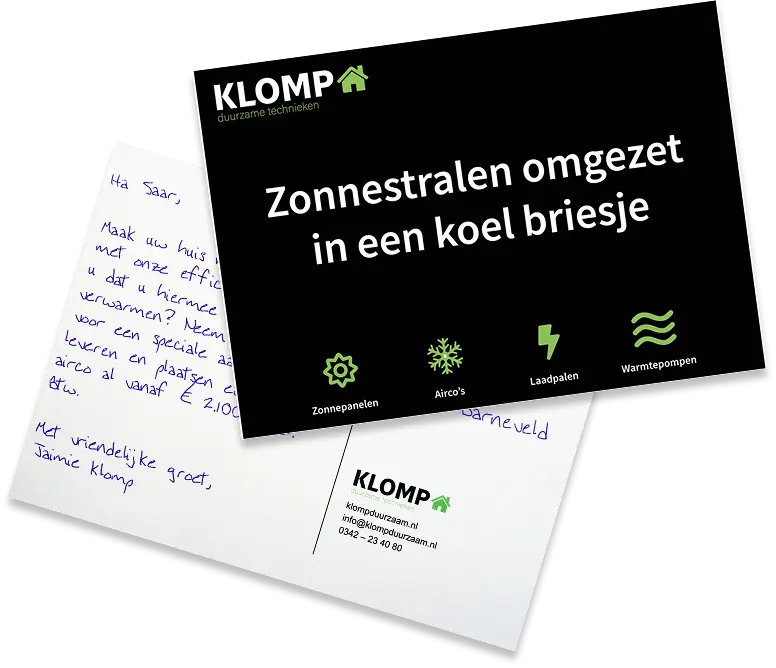
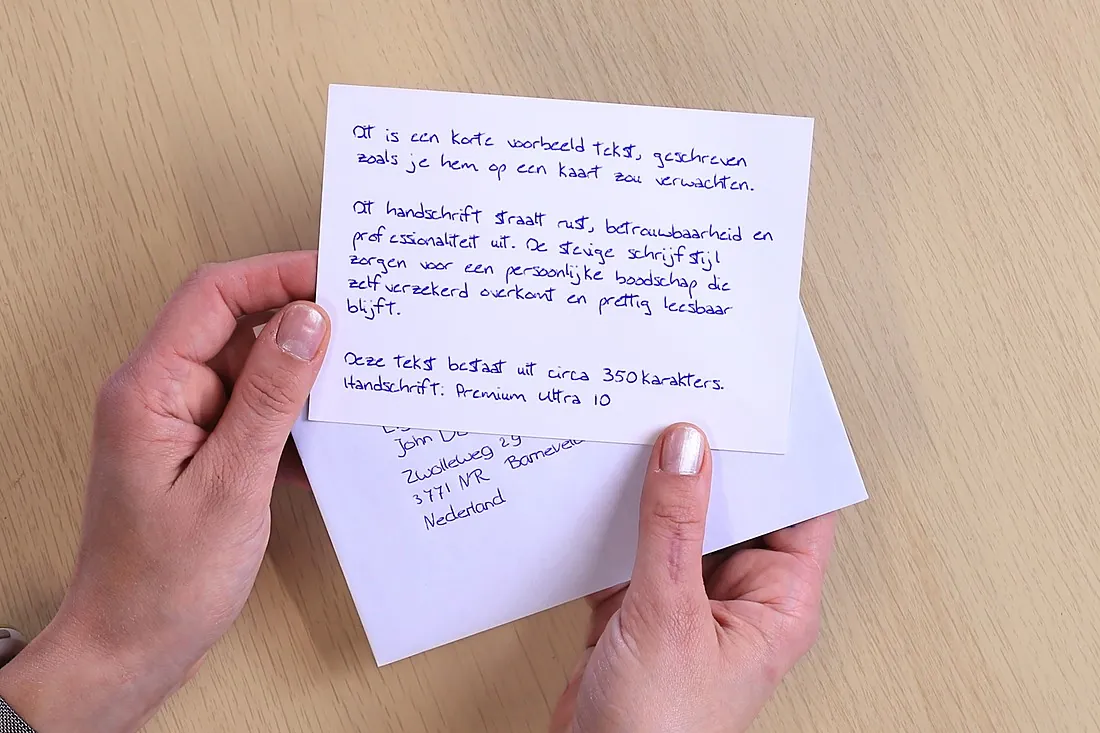
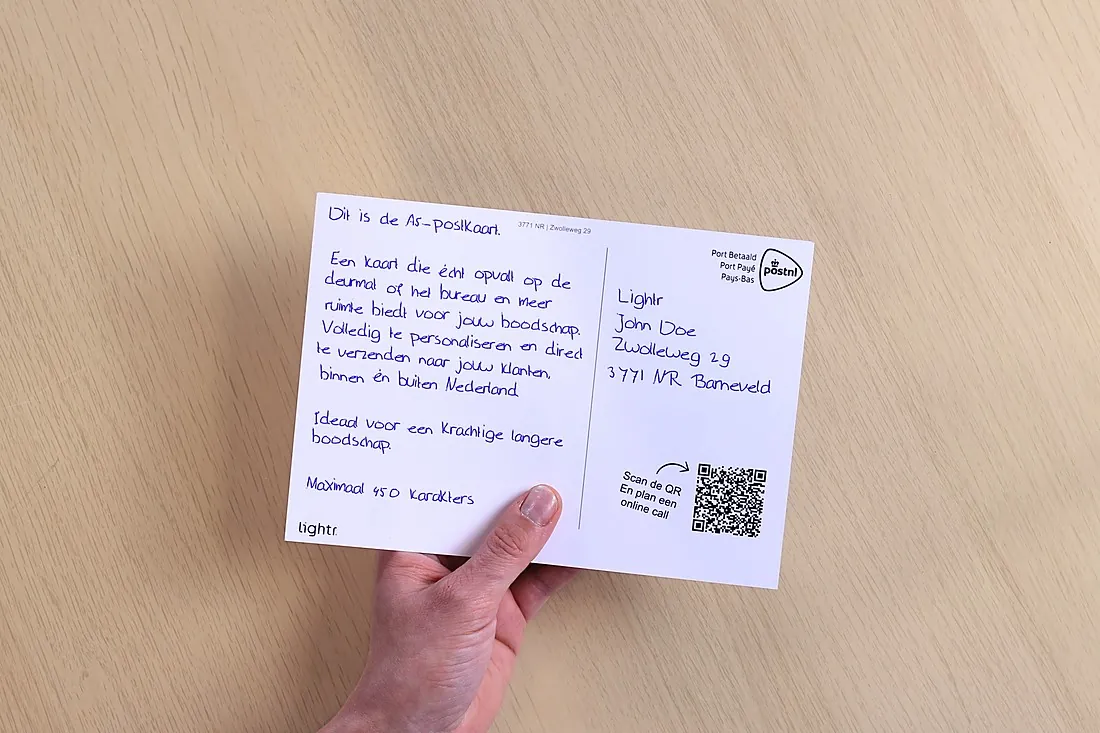
Every card is written with a real pen on 350 gsm card. The text can be different for every prospect.
Standing out to small businesses
An A5 card stands out straight away. Room for a short pitch on the front and a written message on the back.
Reaching senior management
An envelope with the address written by pen looks like personal post. The card is inside, so the recipient opens it themselves.
A dedicated page for each prospect
The QR code on the card opens a page with a short video and a proposal tailored to that company.
Get in touchFrom prospect list to follow-up.
You set it up once Your prospect list Your text Your landing page or site
- StartList uploaded
- For each prospectText personalised
- Real penWritten and sent
- At the officeLands on the desk
- By your prospectQR code scanned
- ResultSales follows up
What do you write to a prospect?
Hi {first_name}, I see {company} is growing fast. Could I show you how we help teams like yours? Scan the code and we’ll set up a coffee.
Best wishes, {sender}
Hi {first_name}, great talking to you at {event}. As promised, here’s the example we discussed.
Best wishes, {sender}
Hi {first_name}, you may still be weighing up your options. Feel free to call or scan the code, and I’ll happily give you some advice, with no obligation.
Best wishes, {sender}
Hi {first_name}, my email may have ended up in your spam folder or slipped through the net. Have you got twenty minutes for a quick introduction?
Best wishes, {sender}
Need help getting the message right?We’ll help you write a card text that suits your audience and the moment.Help me get it right
A/B test first. Then automate what works best.
A/B test on part of your list
Two texts or designs side by side. You see which prospects scan.
CSV ExcelA/B test
From your CRM
A new lead or a stage in your pipeline triggers the card.
Webhook HubSpot+ more
Scans go straight back to sales
The scan webhook tells you straight away who scanned, so sales can follow up.
API Scan webhook
Including A different text for every prospect A unique QR code per prospect Scan webhook Personal landing pageAll integrations
What does an outbound campaign cost?

Folded card
More room for your story, in an envelope.
Card in an envelope
Address written by pen, for an extra personal first impression.
Reaching 1,000 prospects
€1.99per card, excl. VAT
With an annual volume agreement of 1,000 cards. You only pay for the cards you actually send.
- Flat A6 card in an envelope, with the address written by pen
- Writing, printing and postage
- Outside the Netherlands, within Europe: €0.65 extra per card
Start filling your pipeline today.
Create a free account, upload your list and send straight away. Or see for yourself first how a handwritten card comes across.
- No credit card required
- No subscription
- From a single card
- Free test card
Lead generation questions.
 Can’t find your question?
Jacqueline will be happy to help you personally.
0342 781 008
info@lightr.nl
See all FAQs
Can’t find your question?
Jacqueline will be happy to help you personally.
0342 781 008
info@lightr.nl
See all FAQs
Can every recipient get a different text?
Yes. Every card can have its own text, not just a different first name. You add the text for each recipient through your list or integration.
Can each recipient have their own QR code?
Yes, if you like. The QR code is free and it’s up to you whether it goes on the card. With a unique code for each recipient, you can see whether and when it’s been scanned.
Can scans be sent to our CRM?
Yes. With an outgoing scan webhook, Lightr passes scan activity to a connected system, such as your CRM.
What is the minimum number of cards I need to send?
You can start with a single card. Activating an account is free and needs no credit card; you pay per mailing.
How do I send you my addresses?
Add recipients one by one or upload your own CSV or Excel file as it is. The mapping tool lets you match the columns to the right fields.
What happens to my customers’ data?
The data is stored in the Netherlands. You set the retention period yourself, with a minimum of twenty days. After that, personal data is anonymised. Want to change the retention period? Just get in touch.