- Home
- Integrations
Let your own system send the card.
Can your software send a webhook when something happens? Then that webhook starts a card straight away. And if your system can receive a webhook, Lightr reports every scan back instantly, so you can schedule a follow-up automatically.
 HubSpot
 Salesforce
 Pipedrive
 monday.com
 Zoho CRM
 Teamleader
 Shopify
 WooCommerce
 Magento
 Mailchimp
 ActiveCampaign
 Klaviyo
 Stripe
 Typeform
 Zendesk
 Intercom
 Salesfeed
- Your own software
Connect via webhook, API, Make or Zapier. Works with any package that can send a webhook; it’s not a ready-made app for each package.
From a trigger in your system to a scan coming back.
- 1Something happensAn order, a new customer or a closed ticket in your own software.
- 2Your software passes it onA webhook sends the recipient and the data for the text to Lightr.
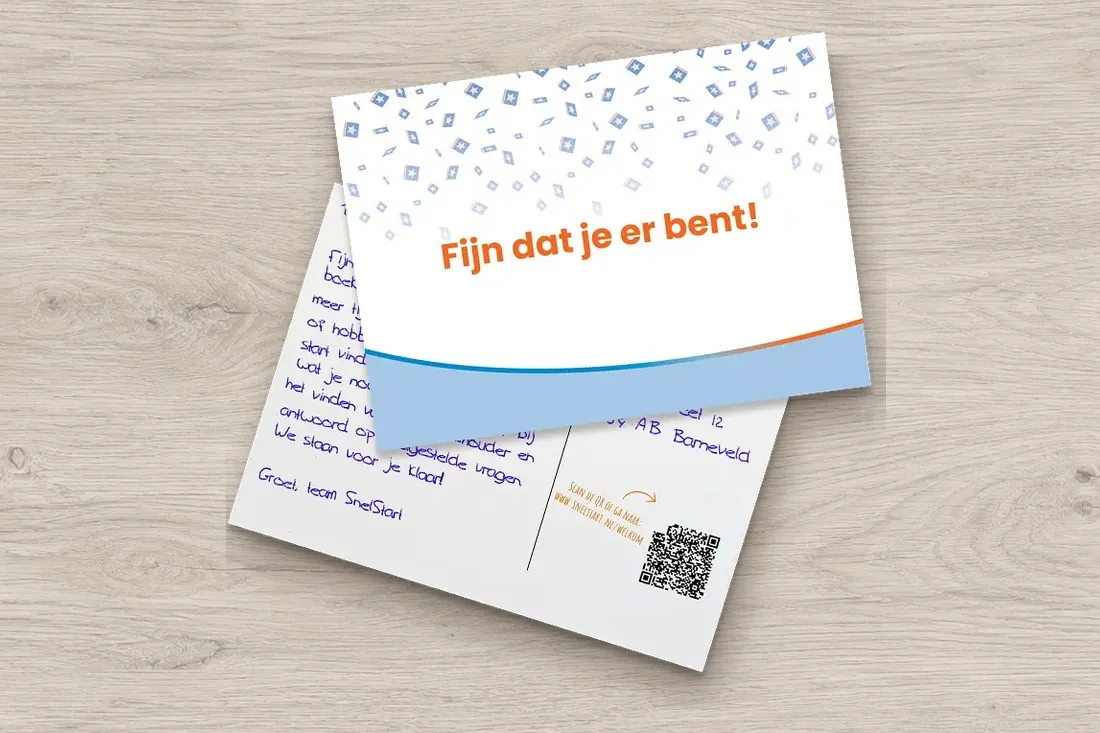
- 3Lightr writes and sendsThe right card, language and sender for each recipient, written with a real pen and posted. A/B testing works too.
- 4The scan arrives in your systemCan your system receive a webhook? Then it gets every scan straight away and you can schedule a follow-up action automatically.
You can fully automate these moments.
Any event in your own system can trigger a card. Here are four solutions people often connect.

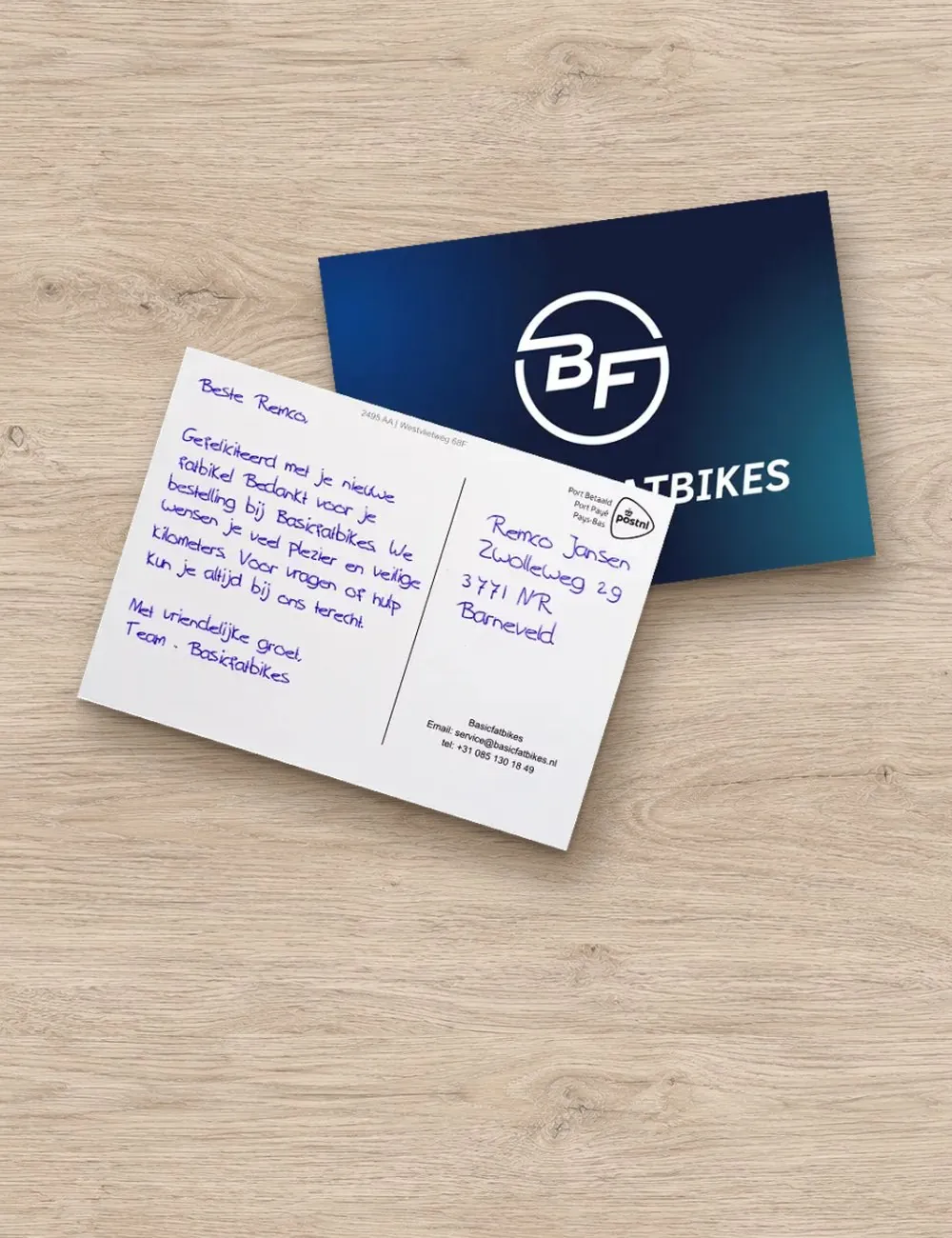
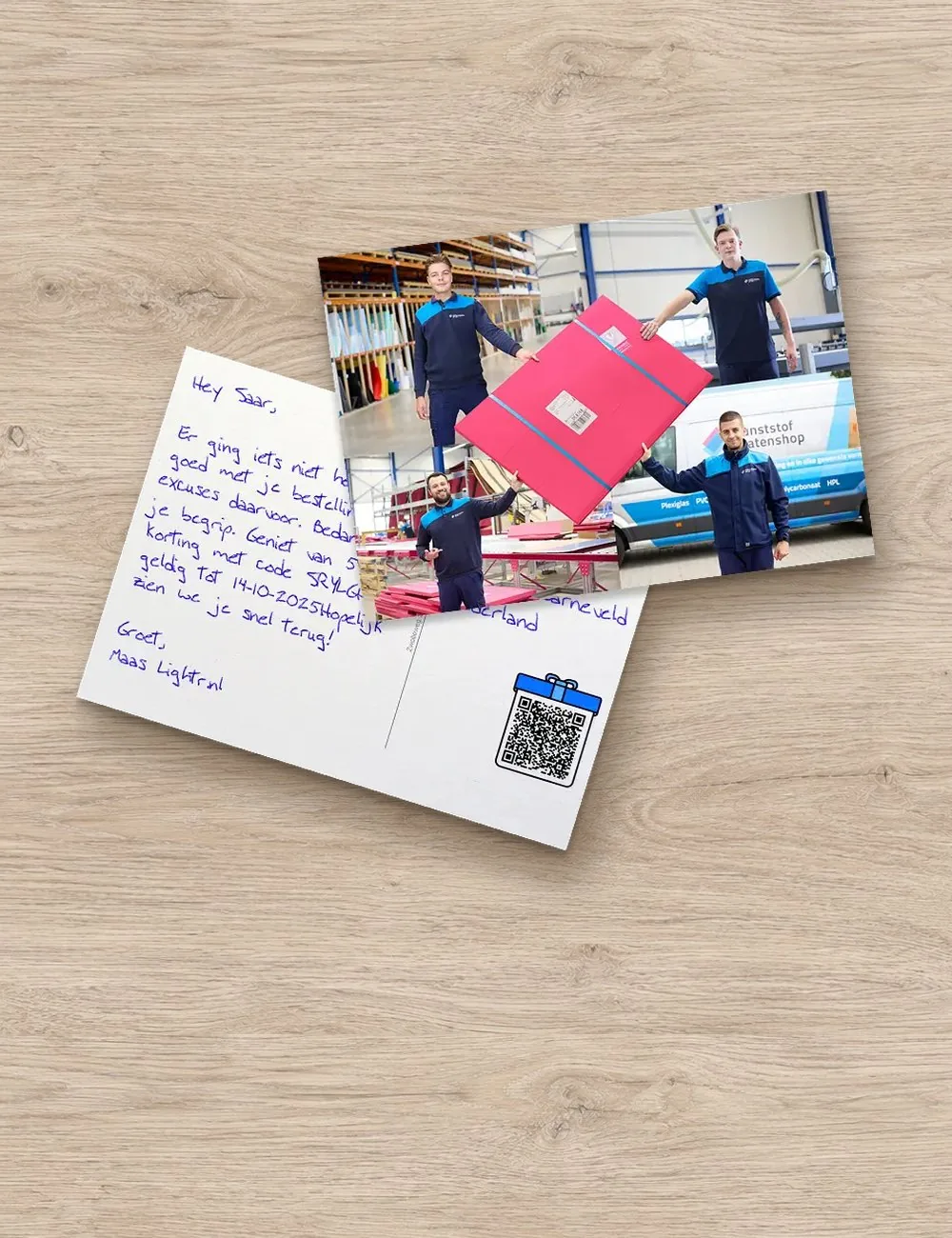
Here’s how it looks in your software.
Four examples from popular packages. Every flow is a trigger and a webhook; you set the waiting time, text and card in Lightr.
Shopify FlowReview after delivery
- TriggerOrder completed (Order fulfilled)
- Action in Shopify FlowSend HTTP request with name, address and order number to your Lightr webhook
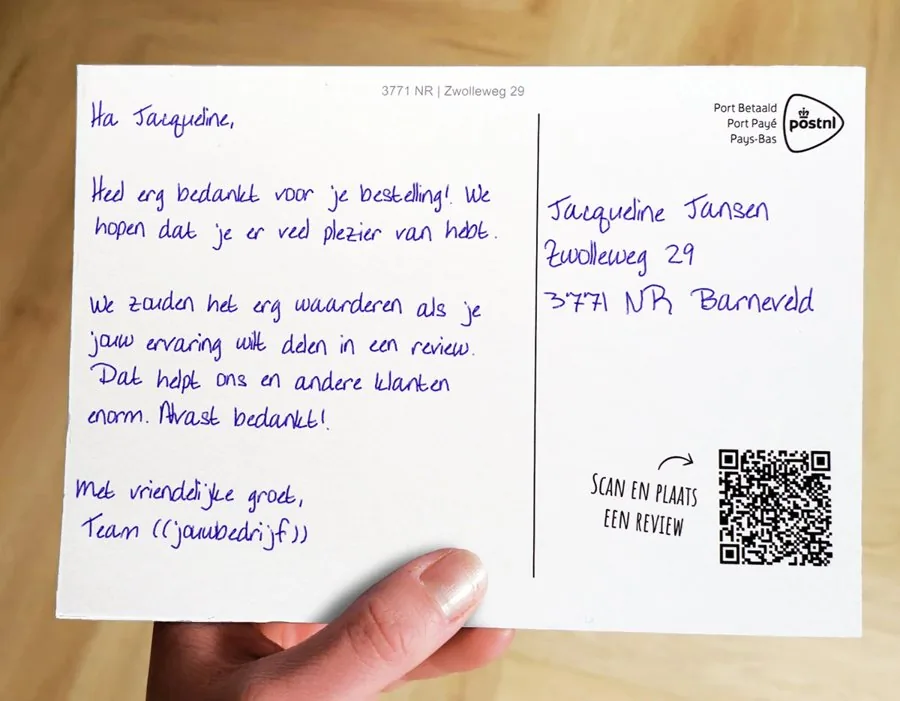
- LightrTen days later, a thank-you card with a QR code to your review page
HubSpotWelcome after winning a deal
- TriggerDeal moves to the Closed won stage
- Action in the workflowSend a webhook with your new customer’s contact details
- LightrA welcome card from the account manager, written with a real pen
SalesforceSaying sorry after a resolved complaint
- TriggerA record-triggered flow detects that a case is being closed
- Action in Flow BuilderAn HTTP Callout (POST) sends the case and the address to Lightr
- LightrA personal sorry card, signed by the person who resolved the complaint
ActiveCampaignCustomer inactive for 90 days
- TriggerA customer hasn’t ordered for 90 days and moves into your "inactive" segment
- Action in the automationThe Webhook action passes the contact on to Lightr
- LightrA handwritten card with a relevant reason to come back, such as a personal offer via the QR code
Whether your package can send a webhook sometimes depends on your subscription. Not sure? We’re happy to take a look with you.
Your system sends a handwritten card automatically.
The easiest route. When something happens in your software, a webhook sends the recipient and the data for the text to Lightr. In Lightr you decide who gets a card, which one and when, including A/B testing.
- A separate flow for each template
- Filters and waiting times in Lightr, not in your own code
- Any format and as much data as you like; you map the fields in Lightr
Webhook flow · Order deliveredActive
Received via webhookYour webshop sends over the customer dataWebhook
WhoOnly customers in the NetherlandsFilter
When5 days after deliveryWaiting time
Which cardReview card A6 · text with first name and productTemplate
API: your own software creates the card.
Prefer to build it yourself? With the API, your own software creates the card directly, with the template, recipient and text in each request.
- Template, recipient and text in each request
- For developers who want to control everything themselves
- Start with the webhook and move over later
// Your own software creates the card (example) POST /api/kaarten { "template": "welkom-a6", "voornaam": "Tom", "tekst": "Welcome aboard, Tom!" }
Every scan triggers the next step in your funnel.
Can your system receive a webhook? Then Lightr passes every scan on straight away, with the recipient and the campaign, so you can automatically schedule the follow-up that fits your funnel.
- A LinkedIn connection request
- Sending a follow-up email or a case study
- A task or scheduled call in your CRM
// Lightr reports a scan to your system (example) POST https://your-crm.com/lightr-scan { "event": "scan", "template": "welkom-a6", "ontvanger": "Tom" }
Automate via Make or Zapier.
If your software can’t send a webhook itself, Lightr has its own app in Make and Zapier. That lets you connect any system that has an app there, such as Leadinfo.
Via MakeBuild a scenario with the Lightr app: a trigger in your system sends the card.Lightr in Make Via ZapierCreate a Zap with the Lightr app: a trigger in your system sends the card.Lightr in Zapier
No integration yet? Just get started.
Questions about integrations.
 A question about your integration? Maas is happy to help.
Email or call Maas directly.
0342 781 008
maas@lightr.nl
See all FAQs
A question about your integration? Maas is happy to help.
Email or call Maas directly.
0342 781 008
maas@lightr.nl
See all FAQs
What’s the easiest route?
The webhook. You send your data across and decide in Lightr which card goes out, including A/B testing.
Which systems does Lightr work with?
Any package that can send a webhook when triggered, such as HubSpot, Salesforce, Pipedrive, monday.com, Shopify, WooCommerce, Mailchimp, ActiveCampaign or Klaviyo. Or directly via the API.
What’s the difference between the webhook and the API?
With the webhook, your system just sends the data, and in Lightr you set who gets which card and when. With the API, your own software creates the card itself.
What data can I include?
As much as you like, in any format. In Lightr you map the fields to your template, so any piece of data can appear in the text or on the card.
Can a scan trigger something in my system?
Yes. The scan webhook passes scan activity on to a connected system.
Do I need to adjust my list first?
No. Upload your own CSV or Excel file just as it is. The mapping tool lets you match the columns to the right fields in Lightr, such as name, address or a custom variable.
Connect your first flow.
Create a free account and switch on your first webhook flow. Or book a call and we’ll look at your system with you.
- No credit card required
- No subscription
- From a single card
Create a free account Book a call
Rather talk it through first?Maas is happy to help: 0342 781 008